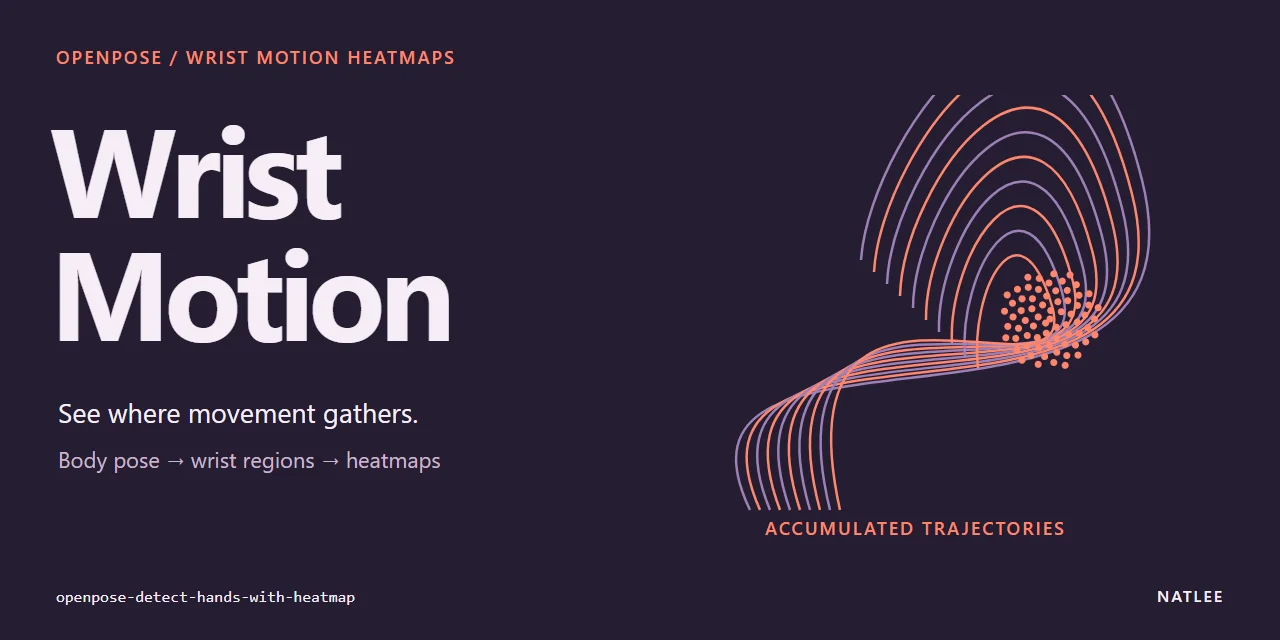
Runs the body OpenPose model over a video and piles up where the wrists went into a heatmap. The repo name says hands; the model only ever knew about wrists.
A file-based demo that samples every 30th frame of a video, runs the six-stage body OpenPose network (19 heatmap and 38 part-affinity channels) at two scales, takes the lowest point of each arm/wrist region, keeps the points that fall inside configured polygon ROIs, and accumulates them into heatmap overlays saved as PNG files. It does not infer finger landmarks or hand articulation. The demo runs with Docker Compose on a CPU image with Python 3.12, TensorFlow 2.21 and tf-keras, loading the original Keras weights; the heatmap rendering derives from HeatMappy and the pose code from Open-Pose-Keras.
What it's good for
Turns a recorded video into one picture of where the activity was, with a single docker compose up, on CPU, and no web service to keep alive. Swap the polygons for your own zones and it's a starting point for seeing which parts of a scene get the most movement.
Diagrams
Main paths only. The edge cases stayed in the code.
The ROI coordinates live in a 215-pixel square. New camera, new homework.
Point at a box to see what it connects to.
Open the video filedata/test.mp4
Video opens?
Read the next frame
Got a frame?
Every 30th frame?
Shrink and crop the frame0.3 scale, 215 px square
Run body OpenPose at two scalesscales 0.5 and 1
Any arm regions found?
Add them to the historynothing is ever forgotten
Lowest point of every regionwhole history, five pixels up
Keep points inside the ROIsboundary points excluded
Save the frame with heata PNG in tmp/
Frame one saved?
Summary heatmap on frame oneall points, no shift, no ROI
Stop with a clear errorno video, or no frames
Open the video file(data/test.mp4) → Video opens?
Video opens? → yes: Read the next frame → no: Stop with a clear error
Read the next frame → Got a frame?
Got a frame? → yes: Every 30th frame? → end of video: Frame one saved?
Every 30th frame? → yes: Shrink and crop the frame → no, skip: Read the next frame
Shrink and crop the frame(0.3 scale, 215 px square) → Run body OpenPose at two scales
Run body OpenPose at two scales(scales 0.5 and 1) → Any arm regions found?
Any arm regions found? → yes: Add them to the history → no: Lowest point of every region
Add them to the history(nothing is ever forgotten) → Lowest point of every region
Lowest point of every region(whole history, five pixels up) → Keep points inside the ROIs
Keep points inside the ROIs(boundary points excluded) → Save the frame with heat
Save the frame with heat(a PNG in tmp/) → next frame: Read the next frame
Frame one saved? → yes: Summary heatmap on frame one → no: Stop with a clear error
Summary heatmap on frame one(all points, no shift, no ROI)
Stop with a clear error(no video, or no frames)
Features
Samples every 30th frame and runs pose inference at two scales
Wrist-region points from body pose (no finger landmarks)
Polygon ROIs combined as a union mask
Accumulated motion heatmaps saved as PNG overlays
Clear errors for missing, unreadable or empty videos
One-command run with docker compose up
The problem
Keeping the original Keras model and HDF5 weights loading on current TensorFlow
Overlapping ROI masks wrapping 8-bit pixel values and darkening the image
Being honest about what the model detects: wrists, not hands
What I did
Used tf-keras 2.21 with public Keras 2 layer imports, preserving the original architecture and weight loader
Combined ROI masks as a union and rebuilt them whenever the frame size changes
Documented the body model's 19 heatmap and 38 part-affinity channels in the README and on the cover
Results
Motion heatmaps for a whole video from a single Docker command
A reproducible CPU image on Python 3.12 and TensorFlow 2.21
Heat builds up frame by frame around the spots both wrists keep returning to.
What I learned
ROI coordinates live in the shrunk, cropped 215 × 215 frame, so a different camera means reviewing the crop and the polygons together.
The tests build the real network and check channels, masks and boundaries, but measure no pose accuracy; GPU runs and the original weights aren't revalidated.
How it fits together
Simplified on purpose. The real thing has more arrows and at least one config file nobody understands.
Screenshots
A frame from the demo video with no heat on it, for comparison.
Related projects
Vision & imagingAI & machine learning11 stars on GitHub
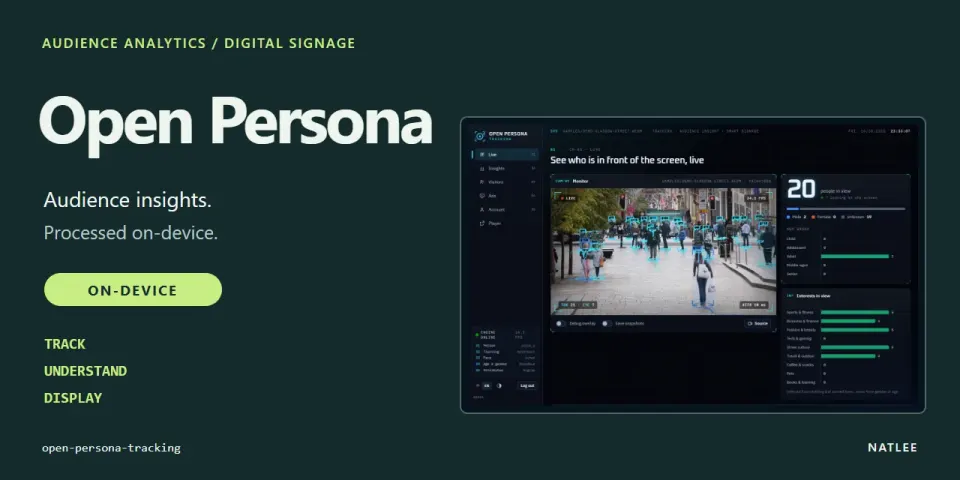
A camera next to a digital sign tracks the people in front of it, guesses gender and age group, notices who is actually looking, and picks the ad that fits them. Most people walk straight past.