Skip to content
Nat Lee

Keyboard shortcuts

Turn these off if they get in the way of a screen reader or voice control. The setting is saved in this browser.

1
Home
2
Work
3
Projects
4
About
5
Experience
/
Search projects
?
Show this panel

Web Development

Image Annotation

Box it. Label it. Export it.

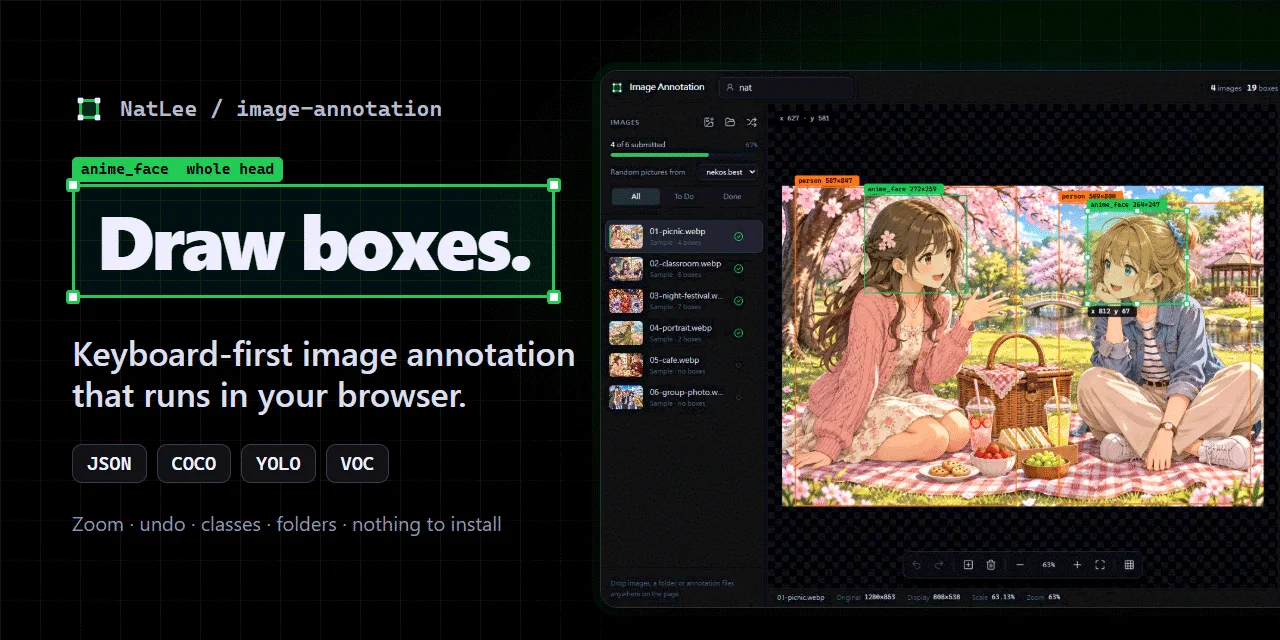
A keyboard-first bounding-box editor that runs in your browser. Open your own images, label boxes and export JSON, COCO, YOLO or Pascal VOC.
Role
Creator
Period
2017 – 2026.11
Status
Completed
Categories
Web apps & extensionsVision & imaging
Stack
  • TypeScript
  • React
  • Vite
  • Canvas API
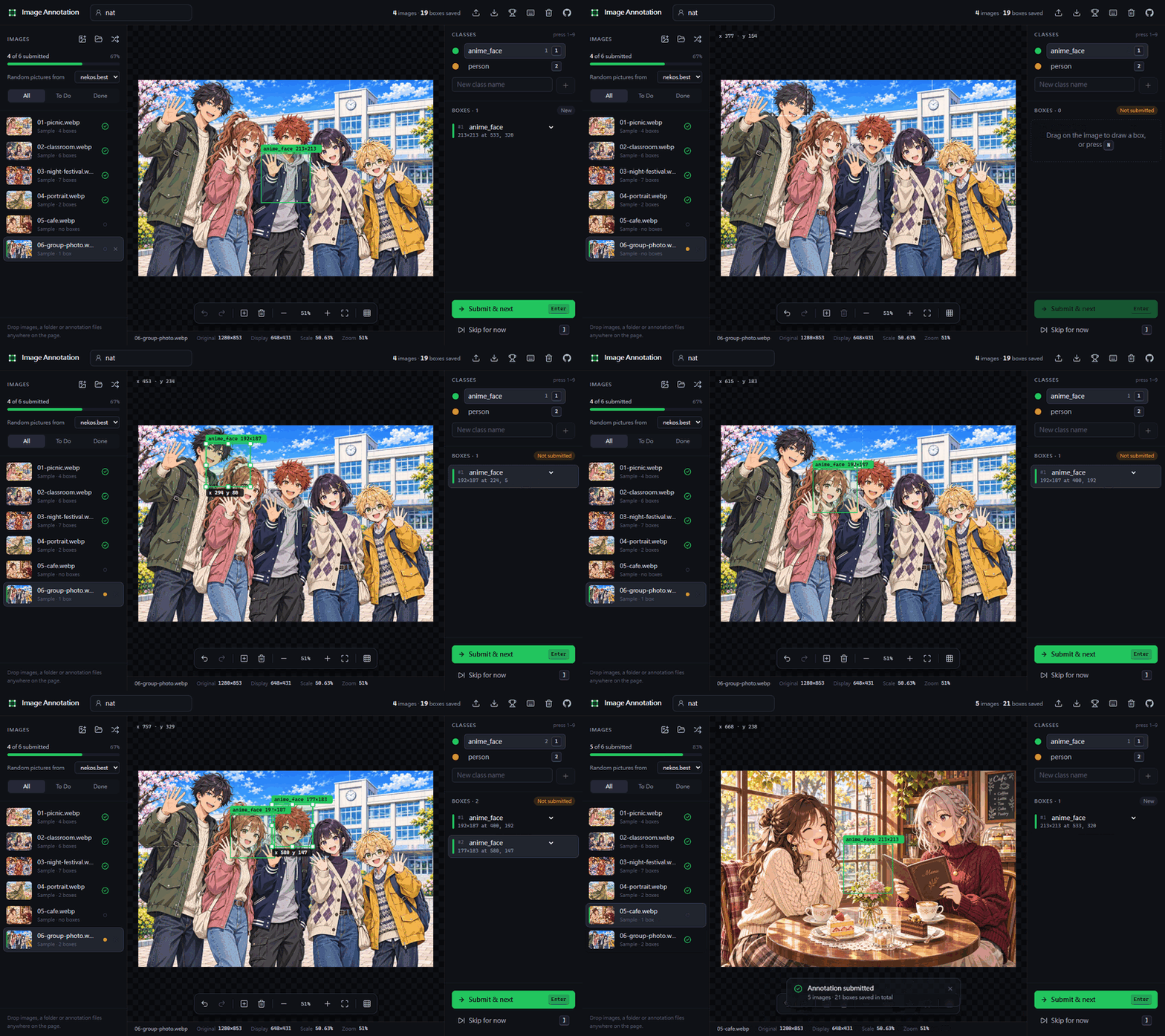
Image Annotation, screenshot 1

Overview

The original 2017 image-labeling tool, rebuilt with React and Vite. Draw and review bounding boxes with zoom, pan, undo and keyboard shortcuts. Images and annotations stay in the browser, with common dataset formats available for import and export.

What it's good for

For a small labelling job that doesn't justify a labelling server: open a folder, draw boxes, pick classes with the number keys, export what your training code wants. LabelImg files that still remember a C:\ drive find their images by the end of the path.

How it fits together

Simplified on purpose. The real thing has more arrows and at least one config file nobody understands.

The 2017 house rule: box the head. The whole head.

  1. Images

    Bundled samples
    nekos.best or Danbooru
    Your files and folders
    → image list
  2. This oneImage Annotation
    • Boxes, classes, undo
    • Zoom and pan
    • localStorage
    → export
  3. Dataset files
    • JSON, COCO
    • YOLO, Pascal VOC

Point at a box to see what it connects to.
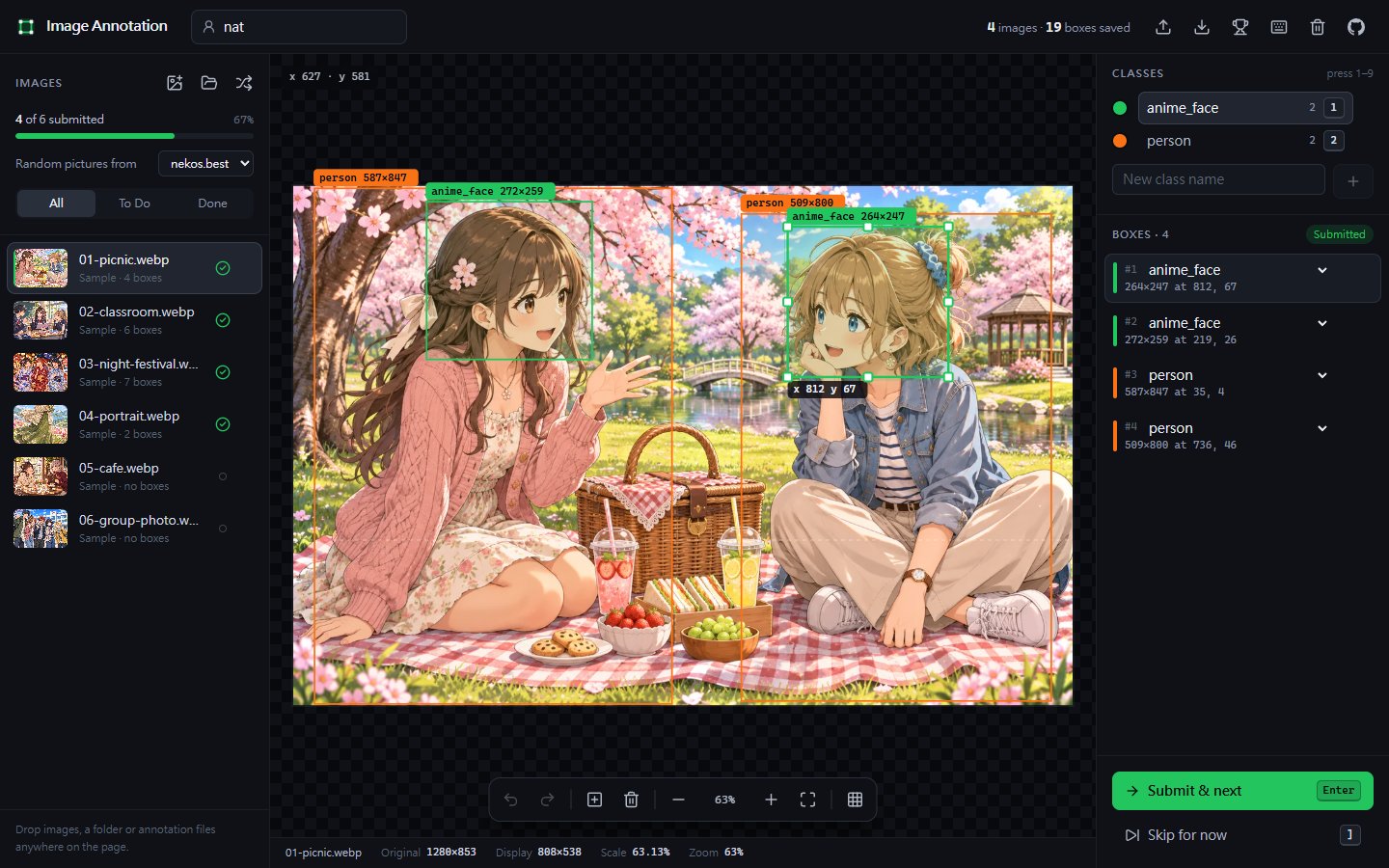
The editor: image list and progress, colour-coded boxes, classes and boxes on the right

Features

  • Bounding boxes with class colours and keyboard shortcuts
  • Folder import, zoom, pan, undo and redo
  • JSON, COCO, YOLO and Pascal VOC import/export
  • Local browser storage and offline sample images
Drawing boxes, zooming in, and submitting with Enter

Results

  • Static GitHub Pages app with browser-local annotation and export

What I learned

  • When Danbooru was down it answered with no CORS header, which a browser can only report as "failed to fetch"; failures now carry a code like danbooru/network.
  • Committing the last rendered preview left a fast-dragged box a few pixels short; the final box is now computed from where the pointer was released.
  • The original JSON export is unchanged field for field, and a test rebuilds a real old export byte for byte, so files from the original app still import.
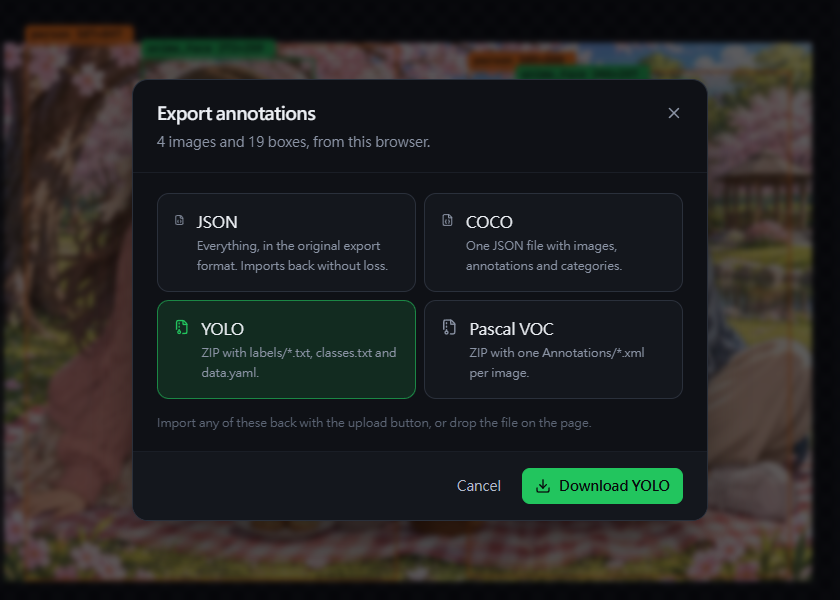
  • Export dialog: JSON, COCO, YOLO or Pascal VOC, and each one imports back
    Export dialog: JSON, COCO, YOLO or Pascal VOC, and each one imports back
  • Web apps & extensions77 stars on GitHub

    Streaming Player

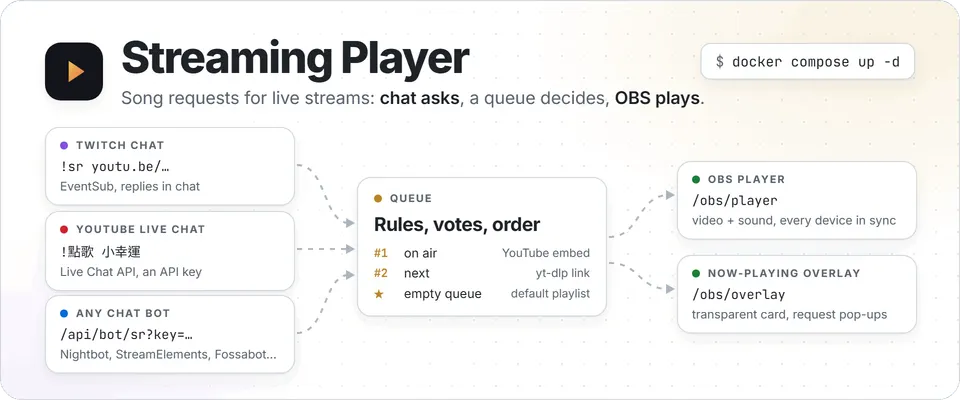
    Twitch, YouTube live chat and chat bots share one song queue. A Rust backend keeps the OBS player, overlay and moderator dashboard in sync.
    2023Completed
  • Web apps & extensions11 stars on GitHub

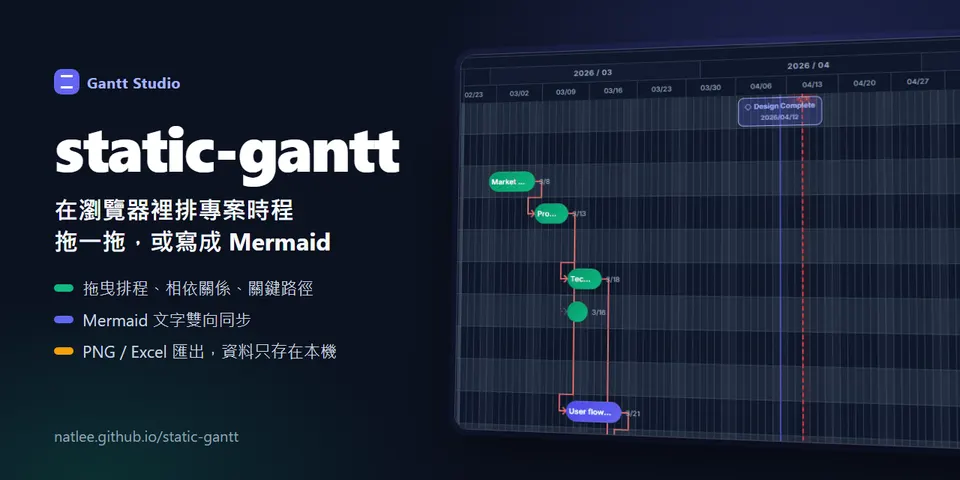
    Gantt Studio

    Drag a schedule into place, draw dependencies and see the critical path. Switch to Mermaid text without losing the plan. Everything stays in your browser.
    2026Completed
  • Spin-off · Infortrend
    Vision & imaging4040 stars on GitHub

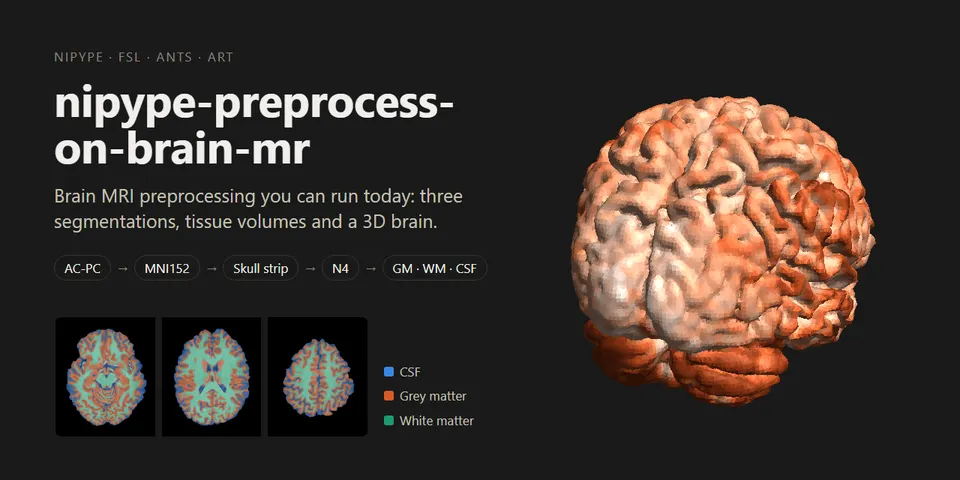
    Brain MRI Pipeline

    An end-to-end Nipype pipeline with FSL FAST, K-means and ANTs Atropos segmentation, tissue volumes, bias-correction metrics and an interactive 3D brain.

    2020Completed