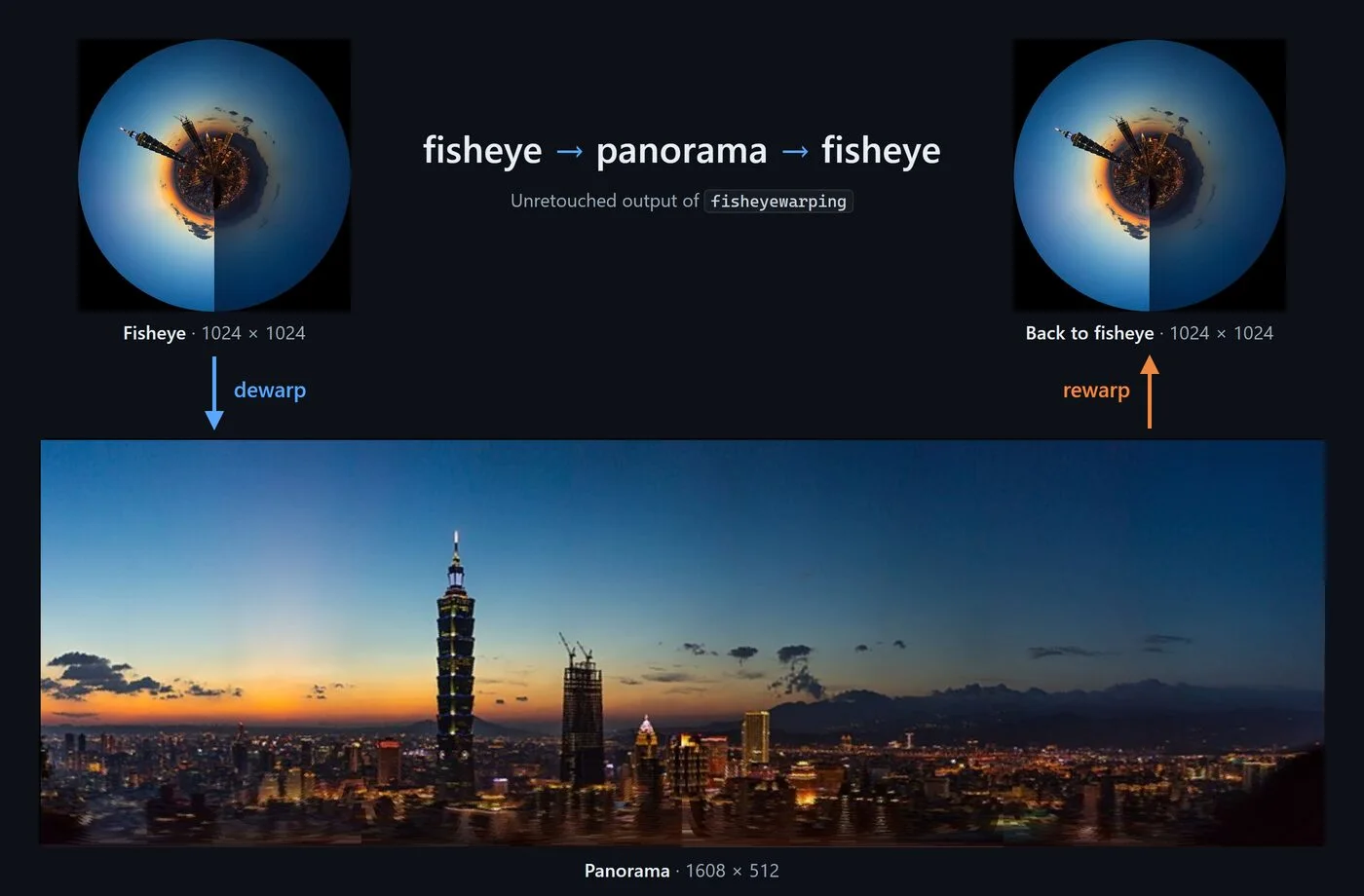
An OpenCV Python package and CLI that dewarps top-down fisheye images into panoramas and rewarps panoramas into fisheye circles. Coordinate meshes are cached by image size so repeated conversions can reuse the mapping.
What it's good for
Ceiling cameras, 360° cameras pointed up or down and tiny-planet photos become flat panoramas, and panoramas can be wrapped back into circles. After one mesh per resolution, each frame takes well under a second, even on a server or in a slim Docker image.
How it fits together
Simplified on purpose. The real thing has more arrows and at least one config file nobody understands.
The grid is built once per resolution. Cameras rarely change resolution on their own.
Fisheye image
Top-down camera frame
→ dewarp
This oneFisheyeWarping
Mesh per image size
cv2.remap
fisheyewarping CLI
→ unrolled
Panorama
dewarp-output.png
Point at a box to see what it connects to.
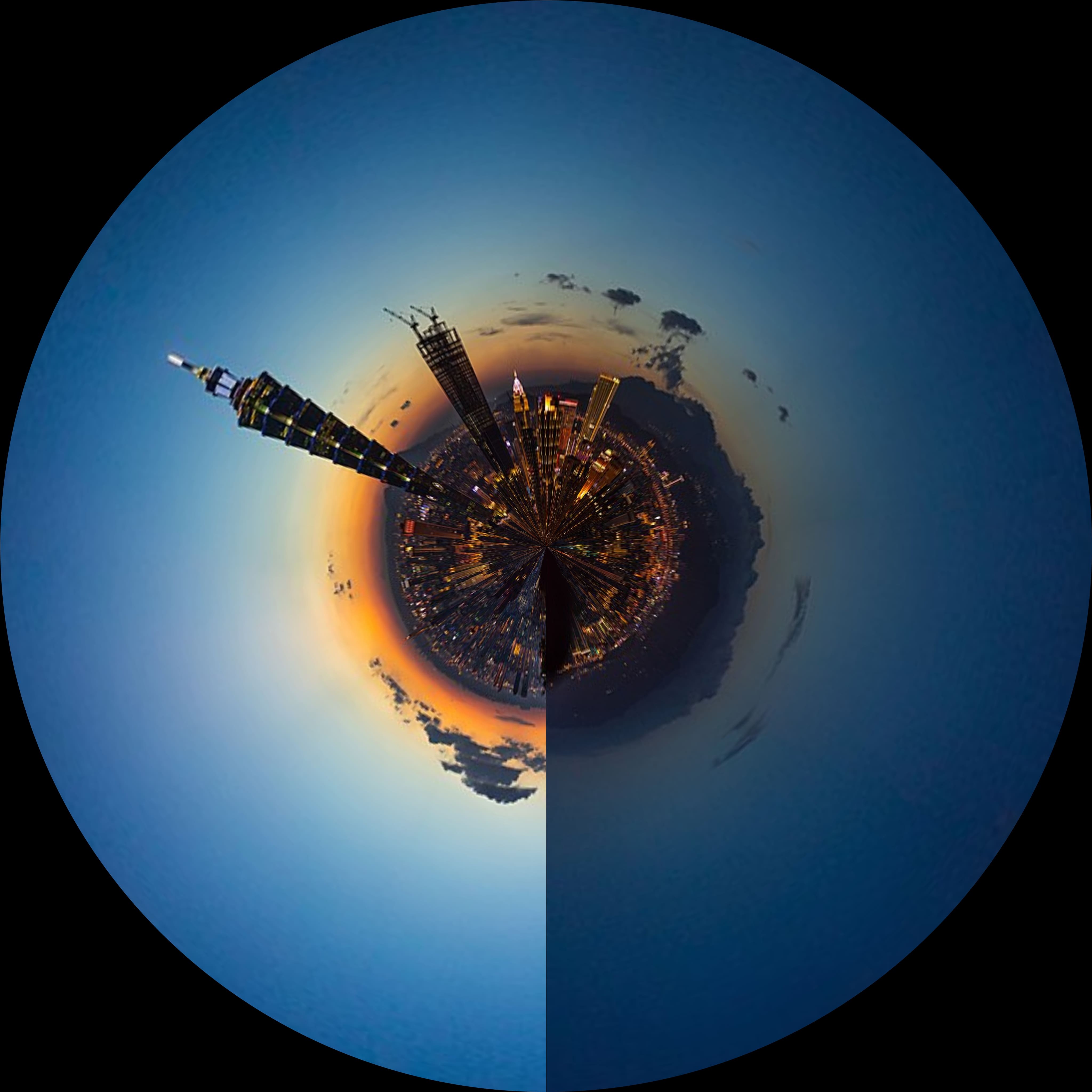
The input: a tiny-planet Taipei, with Taipei 101 sticking out like a clock hand
Features
Top-down fisheye to panorama conversion
Panorama to fisheye rewarping
Reusable coordinate meshes
Python API and command-line tools
What I learned
Mesh cost grows with the pixel count: 1024 × 1024 takes 4 s and 0.5 GB on 32 cores, so a 4096 × 4096 image would need about 8 GB.
The centre pixel of a rewarped image is always black: the angle at the exact centre is undefined, and no amount of maths will pick one.
Up to 1.0.2, running the command with options missing still exited with 0, success; it now exits with 2 and prints the usage line.
How it fits together
Simplified on purpose. The real thing has more arrows and at least one config file nobody understands.
Screenshots
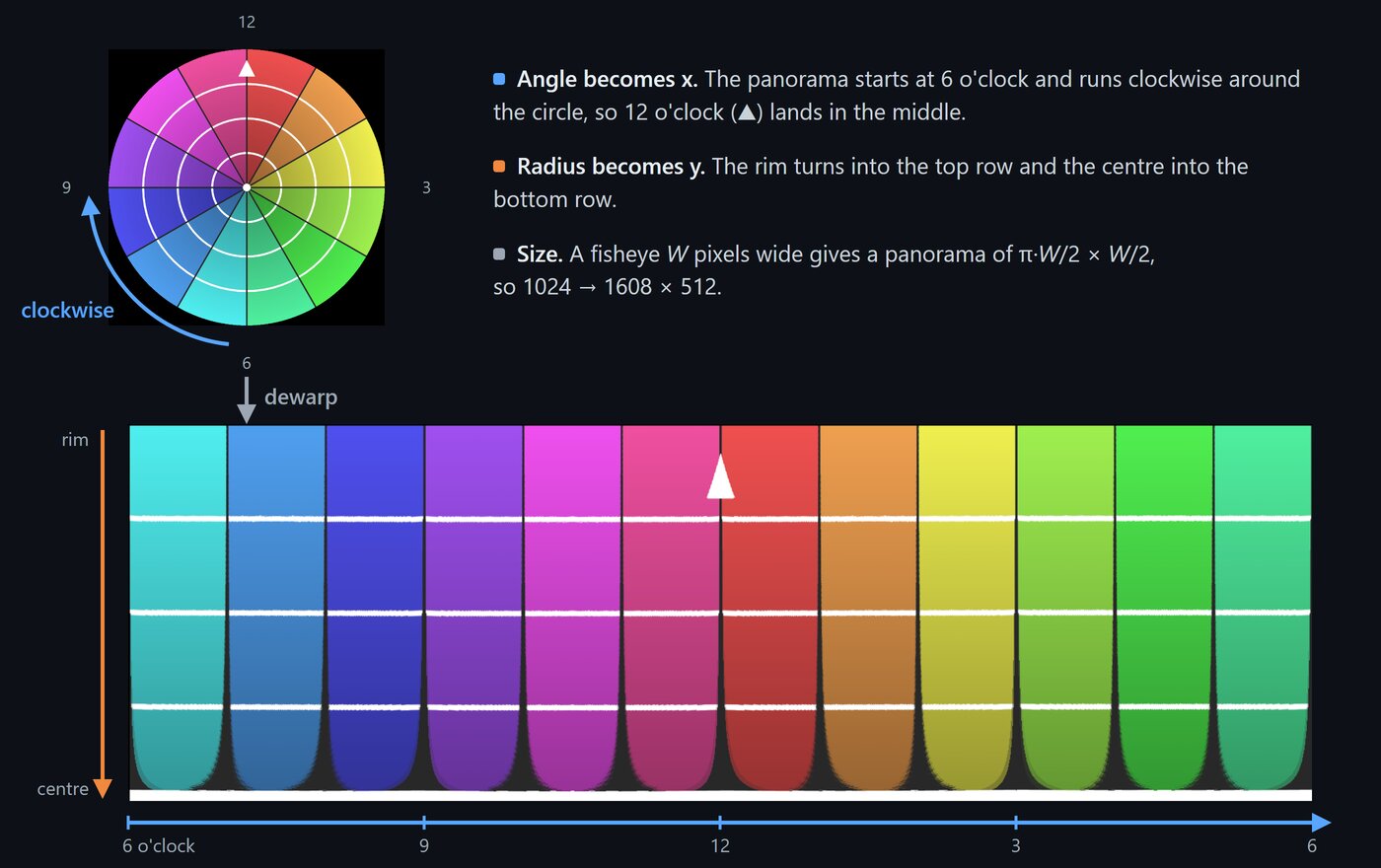
Angle becomes x, clockwise from 6 o'clock; radius becomes y, with the rim on top
Related projects
Spin-off · Infortrend
Libraries & toolsVision & imaging7070 stars on GitHub
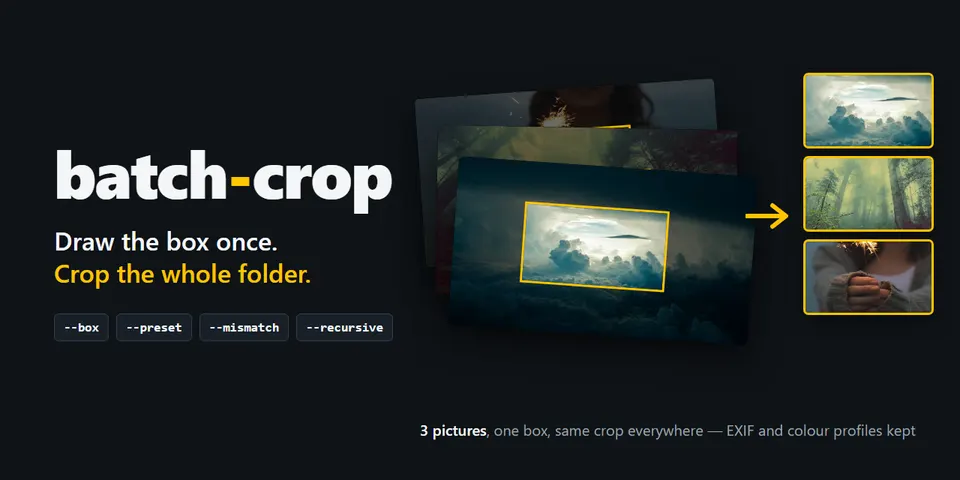
Draw a crop box once and it is applied to a whole folder of similar images. Written because I refused to crop them one by one, and apparently other people refused too.