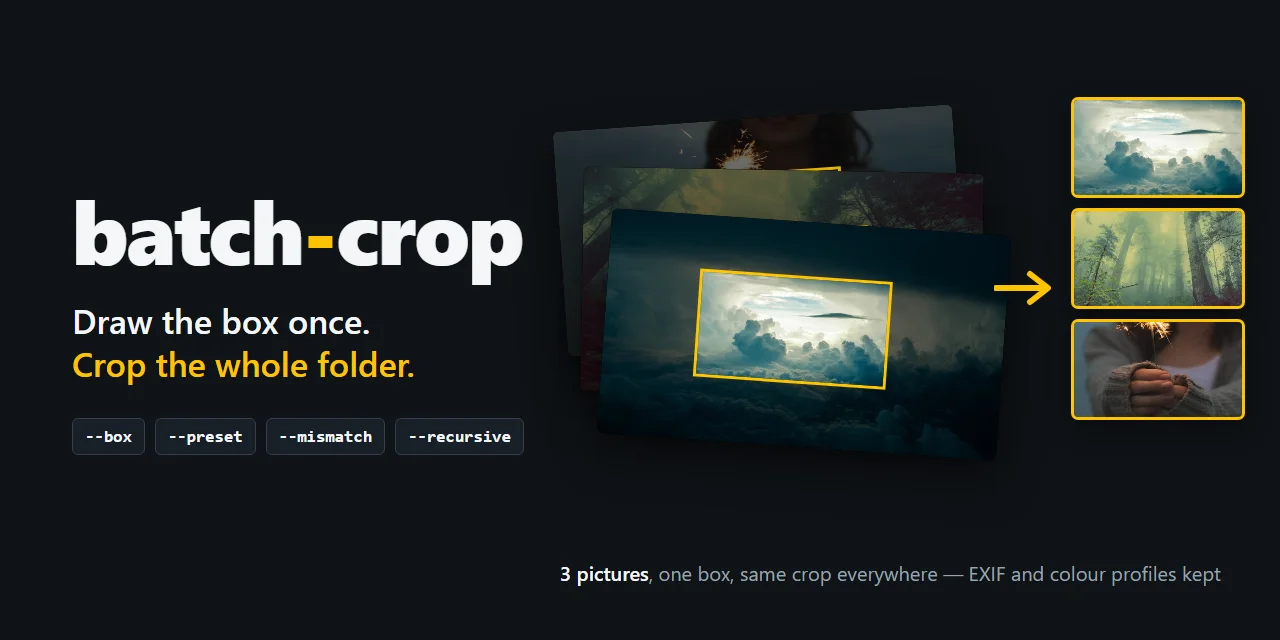
Draw a crop box once and it is applied to a whole folder of similar images. Written because I refused to crop them one by one, and apparently other people refused too.
An efficient batch image processing tool that provides an intuitive interface for cropping multiple similar images simultaneously. This tool streamlines the workflow for processing large sets of images with consistent cropping requirements.
What it's good for
Screenshots, scans, video frames, product photos, dataset images: any folder that shares a layout gets the same crop in one pass. Names, formats, EXIF and colour profiles are kept, the originals are left alone, and a saved preset repeats the job later without a window.
Diagrams
Main paths only. The edge cases stayed in the code.
It used to start cropping the moment you let go of the mouse. Now it waits for Enter.
Point at a box to see what it connects to.
List the pictures in the folderAny letter case, name order
Box already given?Via --box or a preset
Open the reference pictureFirst file by name
Draw and adjust the boxArrow keys nudge 1 px
Enter or Esc?
Quit, nothing written
Print the box as --boxFor reruns without the window
Read the next picture's sizeHeaders only, nothing written yet
Same size as the reference?
Which --mismatch rule?
Stretch to the reference sizeWith ask, 'no' stops everything
Scale the box or anchor itScale resizes it; anchor keeps size
Leave the picture out
More pictures to plan?
Crop and write in parallelEXIF and ICC kept
List the pictures in the folder(Any letter case, name order) → Box already given?
Box already given?(Via --box or a preset) → yes: Read the next picture's size → no: Open the reference picture
Open the reference picture(First file by name) → Draw and adjust the box
Draw and adjust the box(Arrow keys nudge 1 px) → Enter or Esc?
Enter or Esc? → Enter: Print the box as --box → Esc: Quit, nothing written
Quit, nothing written
Print the box as --box(For reruns without the window) → Read the next picture's size
Read the next picture's size(Headers only, nothing written yet) → Same size as the reference?
Same size as the reference? → yes: More pictures to plan? → no: Which --mismatch rule?
Which --mismatch rule? → ask, stretch: Stretch to the reference size → scale, anchor: Scale the box or anchor it → skip: Leave the picture out
Stretch to the reference size(With ask, 'no' stops everything) → More pictures to plan?
Scale the box or anchor it(Scale resizes it; anchor keeps size) → More pictures to plan?
Leave the picture out → More pictures to plan?
More pictures to plan? → yes: Read the next picture's size → no: Crop and write in parallel
Crop and write in parallel(EXIF and ICC kept)
Features
Draw one crop box in an OpenCV window
Apply the same box across a folder
Headless --box input and saved presets
Results
Interactive or headless batch cropping with a pip-installable CLI
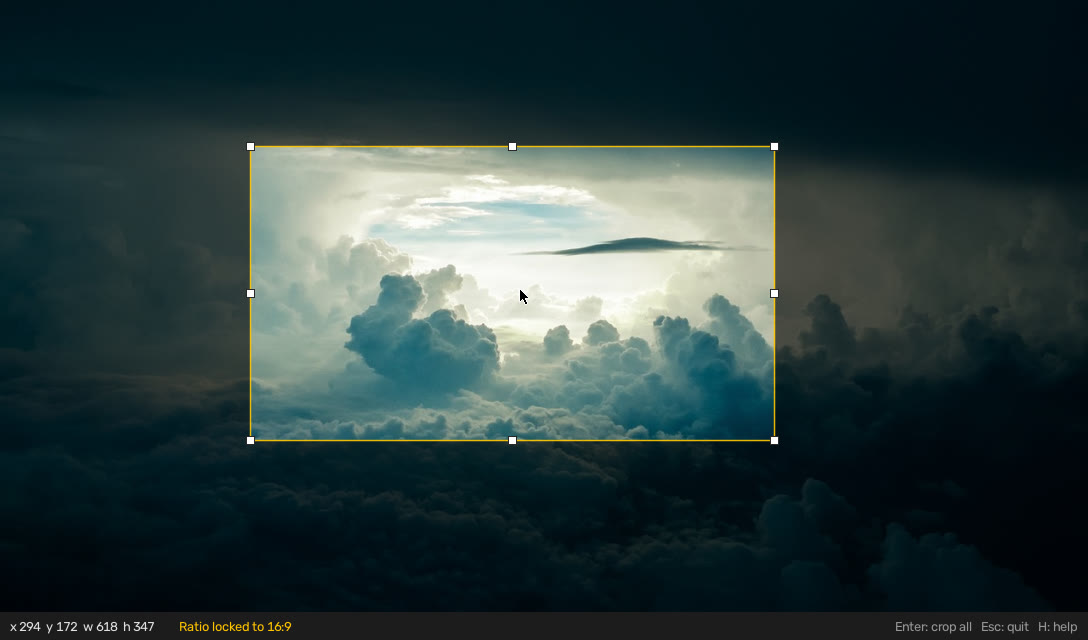
Draw a box, adjust it, lock 16:9, nudge it with the arrow keys, then crop the folder
What I learned
Releasing the mouse used to start cropping at once; now Enter confirms, so the box can be adjusted first.
The size question used to come halfway through the batch. Planning now reads only image headers and asks first, so 'no' never leaves half a batch.
Upper-case extensions such as .JPG used to be skipped; now any letter case counts, and pictures go in name order.
How it fits together
Simplified on purpose. The real thing has more arrows and at least one config file nobody understands.
Screenshots
The crop window: the box stays bright, the rest dims, the status bar shows exact pixels
Related projects
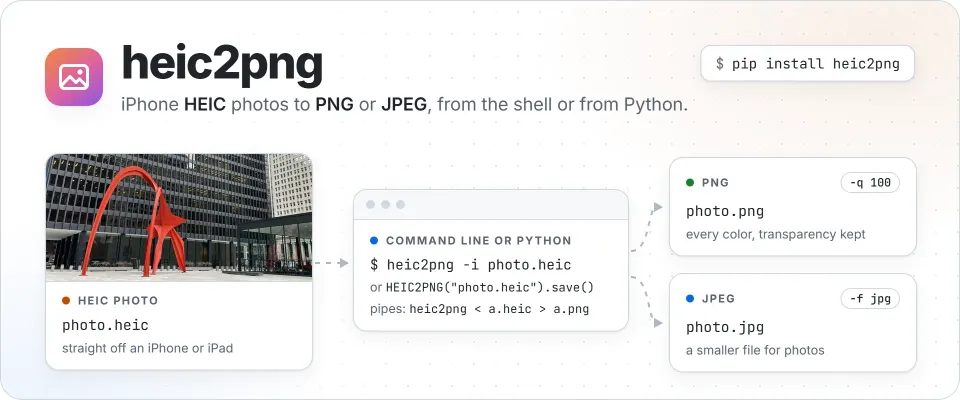
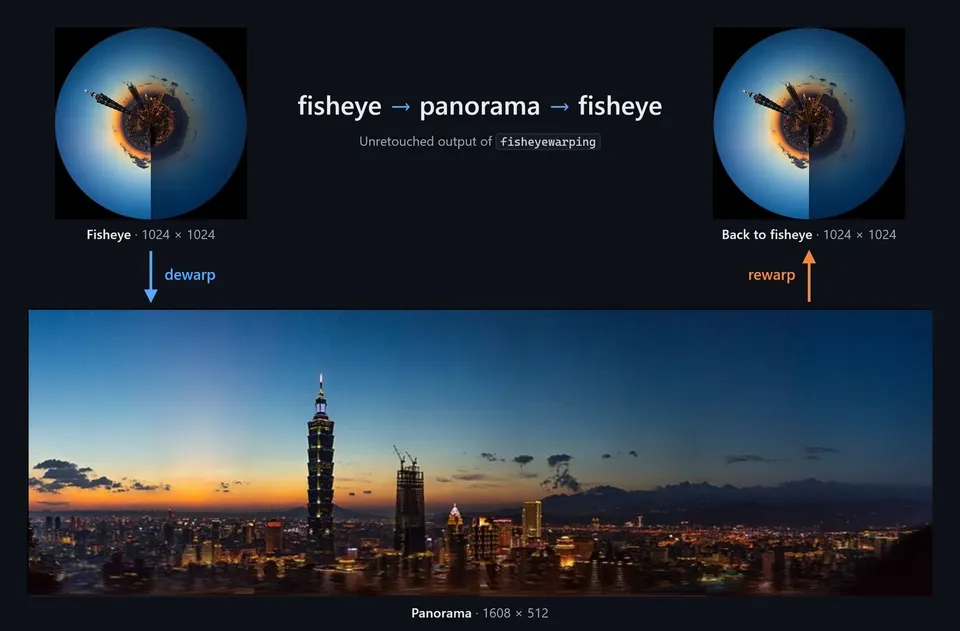
Spin-off · Infortrend
Libraries & toolsVision & imaging7070 stars on GitHub