Infrastructure & backend1313 stars on GitHub
Telepy
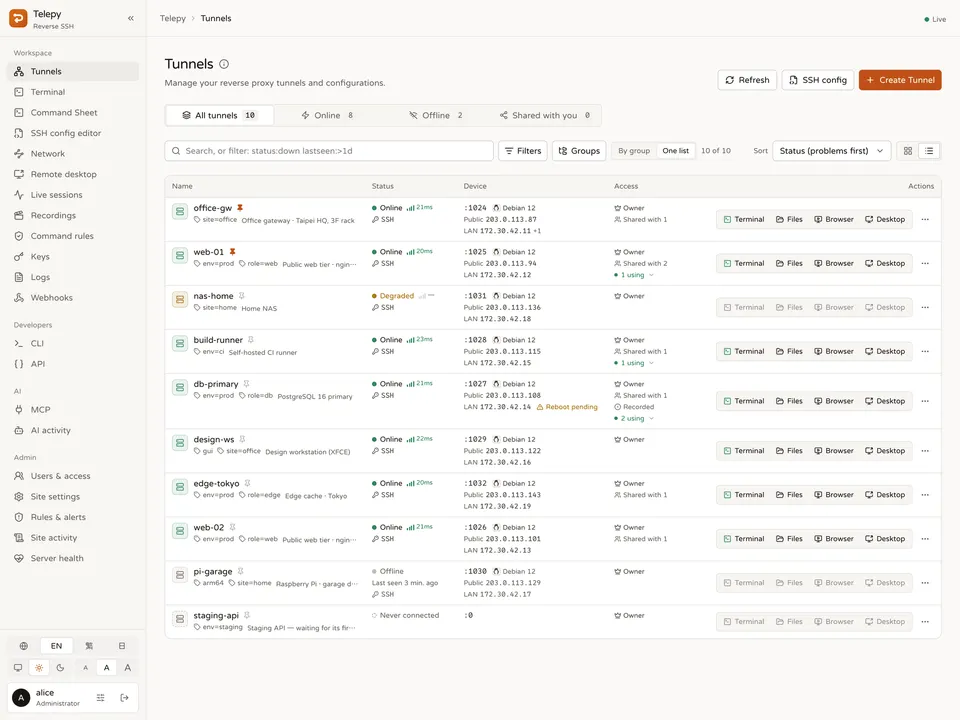
One outbound reverse SSH tunnel per device gives you a browser terminal, files, remote desktop, a remote browser and the LAN behind it. No port forwarding, no VPN, no public IP.
2024Active
DevOps
Telepy's rough first draft
Digs a hole out of an internal network with a container and a reverse SSH tunnel. Telepy's rough first draft, before it had a dashboard or manners.
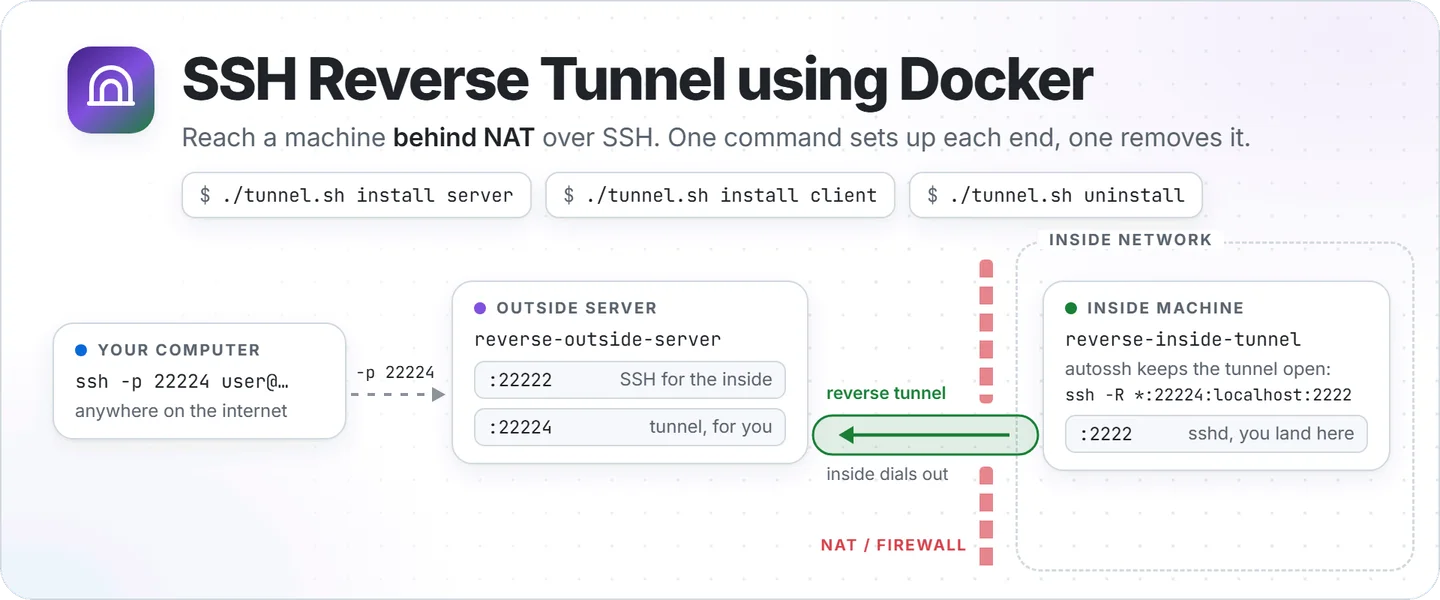
A containerized solution for creating reverse SSH tunnels using Docker. This tool helps establish secure connections through network barriers by creating tunneling servers in isolated environments.
What it's good for
Reaches a machine behind NAT over plain SSH, set up with one command per end. If the inside machine and its key get stolen, the thief gets no shell, no sudo and no other port on your server, and uninstall --all leaves the folder exactly as you cloned it.
Main paths only. The edge cases stayed in the code.
The old version accepted any host key. Now it remembers faces.
Point at a box to see what it connects to.
Simplified on purpose. The real thing has more arrows and at least one config file nobody understands.
One outbound reverse SSH tunnel per device gives you a browser terminal, files, remote desktop, a remote browser and the LAN behind it. No port forwarding, no VPN, no public IP.
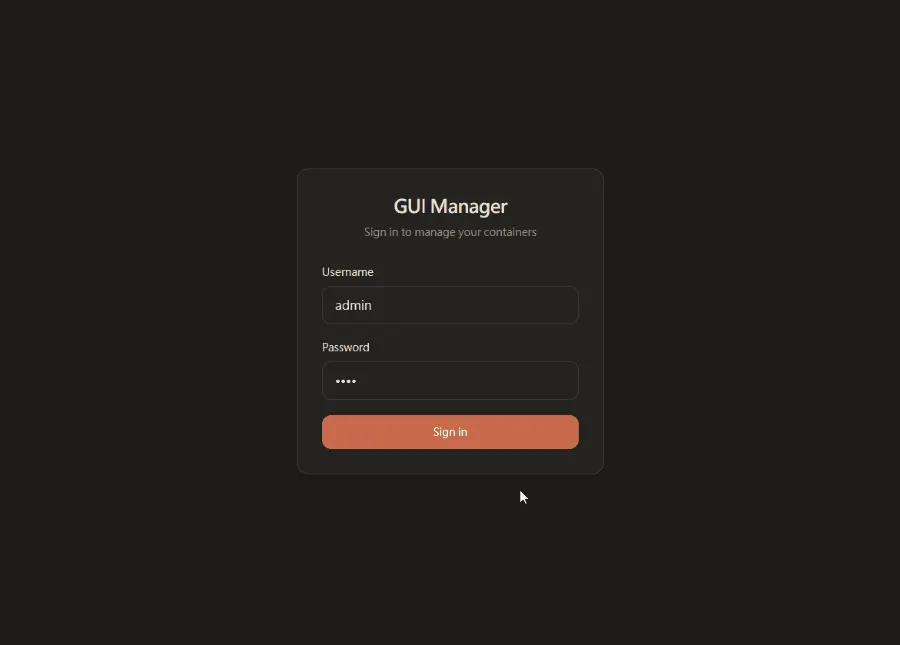
One Docker dev box per user, with a web terminal, a noVNC desktop and optional GPU. The Django version, rewritten in Rust, partly to find out whether I could.
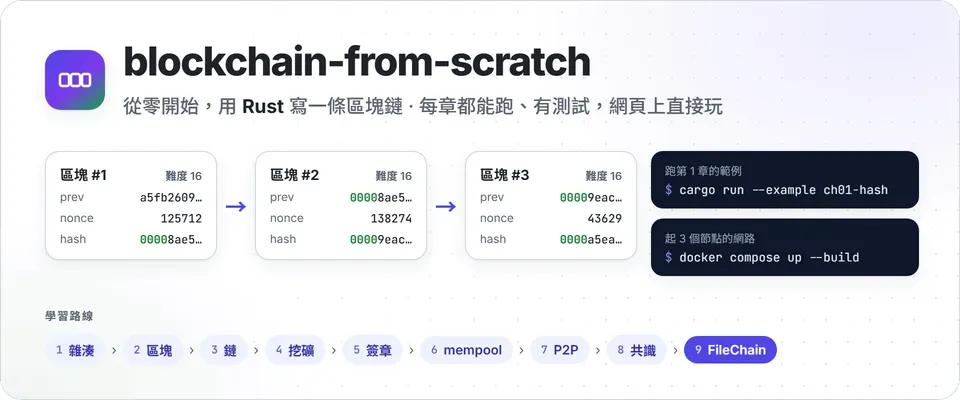
Nine hands-on chapters, from hashing to a peer-to-peer network. The same Rust code powers interactive WebAssembly demonstrations in your browser.